IconStash vs Font Awesome: Why SVG Aggregation Beats Icon Fonts in 2026
Searching for a modern Font Awesome alternative? Learn how switching from icon fonts to IconStash's zero-bloat inline SVG aggregator boosts page speed and UI flexibility.
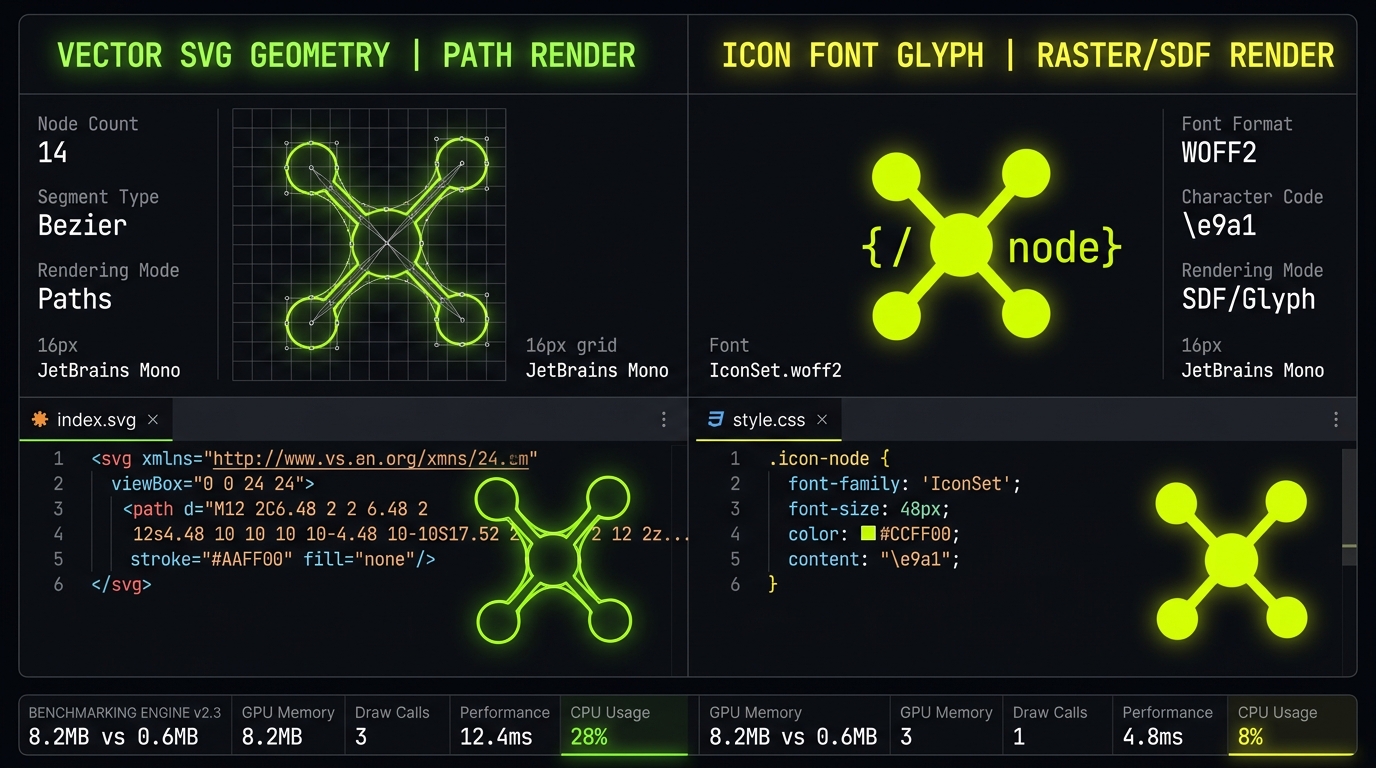
1. The Shift from Icon Fonts to SVG Aggregation
Font Awesome pioneered easy web icons over a decade ago by bundling glyphs into custom web font files (`all.css` / `fontawesome.woff2`). While revolutionary at the time, web development standards have evolved dramatically.
Today, web teams prioritize **Core Web Vitals**, fast initial paint times, and component-driven frameworks (React, Vue, Svelte). In this modern environment, Font Awesome's monolithic font files present severe technical challenges:
- Render-Blocking Fonts: Browser engines must download and parse font binaries before rendering icons, resulting in Flash of Unstyled Text (FOUT) or invisible squares.
- Cumulative Layout Shift (CLS): When `.woff2` font files finish loading, glyph dimensions recalculate, causing layout shifts that penalize SEO scores.
- Pro Version Paywalls: Popular outline, thin, or duotone styles require paid Font Awesome Pro subscriptions ($99+/year).
- Subpixel Fuzziness: Operating systems treat icon fonts as text, leading to blurry edges at small display sizes (`16px`).
2. Architectural Comparison
Font Awesome
- ❌ Heavy 150KB – 1.2MB WOFF2 font payloads
- ❌ Causes FOUT and layout shifts during page load
- ❌ Pro styles locked behind annual subscriptions
- ❌ Limited stroke weight adjustments
- ❌ Requires loading entire font files even for 3 icons
IconStash
- ✅ 0 KB Runtime — Ships only raw SVG/JSX code
- ✅ Synchronous DOM rendering (Zero FOUT / Zero CLS)
- ✅ 134,000+ vectors from 20+ top open-source sets
- ✅ Live stroke-width, size, and color sliders
- ✅ 100% Free & Open Source (MIT / Apache)
3. Comprehensive Feature Comparison Matrix
| Feature / Metric | IconStash | Font Awesome Free |
|---|---|---|
| Total Icons Available | 134,000+ Vector Icons | ~2,000 Free Icons |
| Library Selection | Lucide, Heroicons, Tabler, Feather + 20 Sets | Single Proprietary Set |
| Network Payload | 0 KB (Inline SVG Tree-shaken) | 150 KB – 500 KB Font Files |
| React & Vue Support | Native 1-Click JSX / Component Copy | Requires Wrapper Library setup |
| Stroke Customization | Real-time Stroke-Width & Color Sliders | Fixed Vectors (Font-size only) |
4. How to Replace Font Awesome with IconStash
Migrating from Font Awesome to IconStash takes less than 5 minutes:
- Remove Font Awesome CSS: Delete the
<link rel="stylesheet" href="fontawesome.css">import from your HTML<head>. - Search IconStash: Search for your required icons (e.g., "search", "user", "shopping-cart") in the IconStash Search Bar.
- Copy Clean SVG / JSX: Click "Copy SVG" or "Copy JSX" and paste it directly into your HTML template or React component.